Adding a Note
Notes can be added to all Mavtrek record types including tasks, work orders, and work requests. The types of notes can be customized — contact your admin team for details.
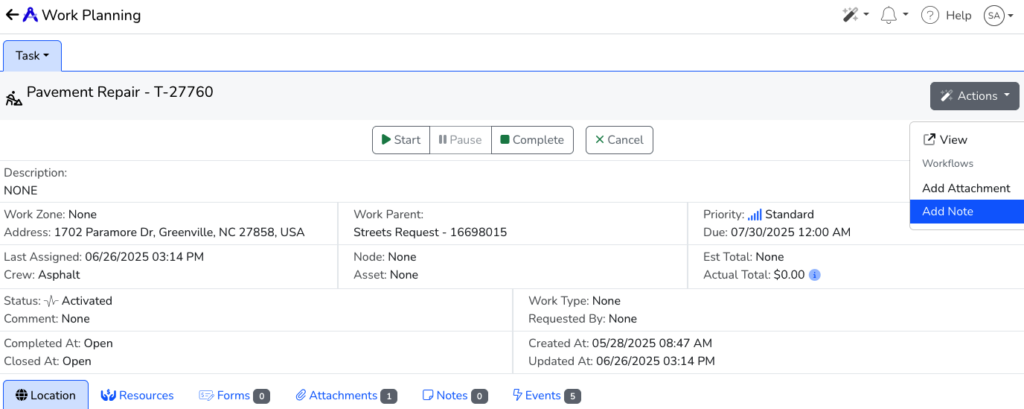
A Note can be added to a record by clicking Add Note from the Actions menu for the record:
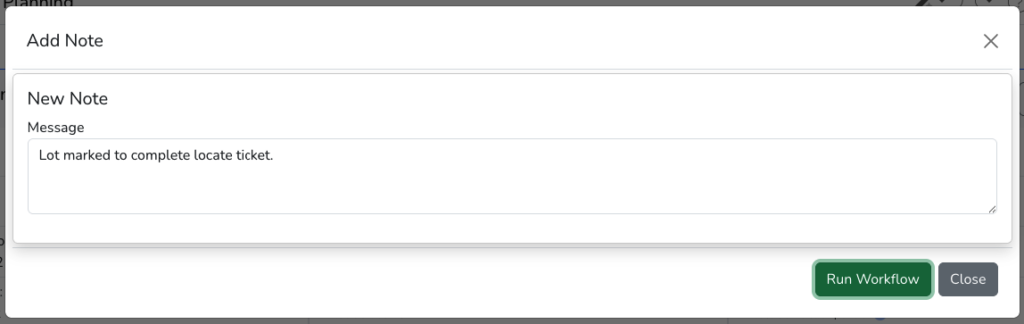
After clicking Add Note, a dialog box will appear to add a Message. Once complete, click the Run Workflow button to upload:
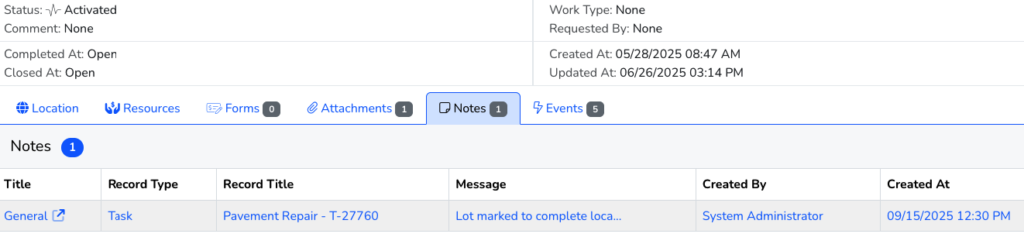
After completing the workflow, the note is stored in Mavtrek and available by clicking the Notes child record tab:
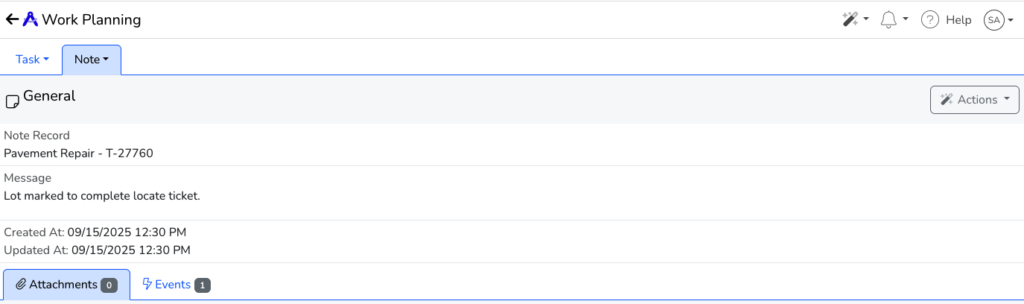
If you click the record you can view the Note information and message: