My Settings
You have direct access to “ My Settings” where you can configure various information related to your account.
Accessing Your Profile
Section titled “Accessing Your Profile”There are two main ways to access your profile.
1. From the homepage click on the link titled “My Settings “

To access your profile from the homepage
2. From the main navigation bar choose the dropdown by your initials or avatar image and select the “ My Settings” link
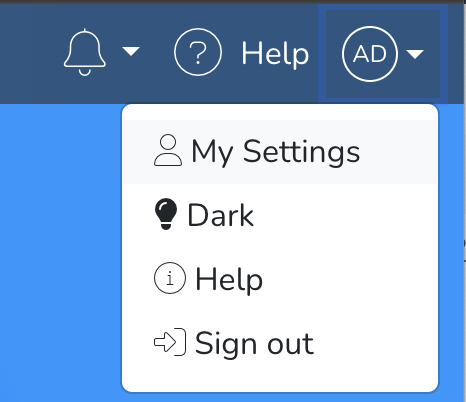
Once you navigate to the “My Settings” screen you should find the following details.
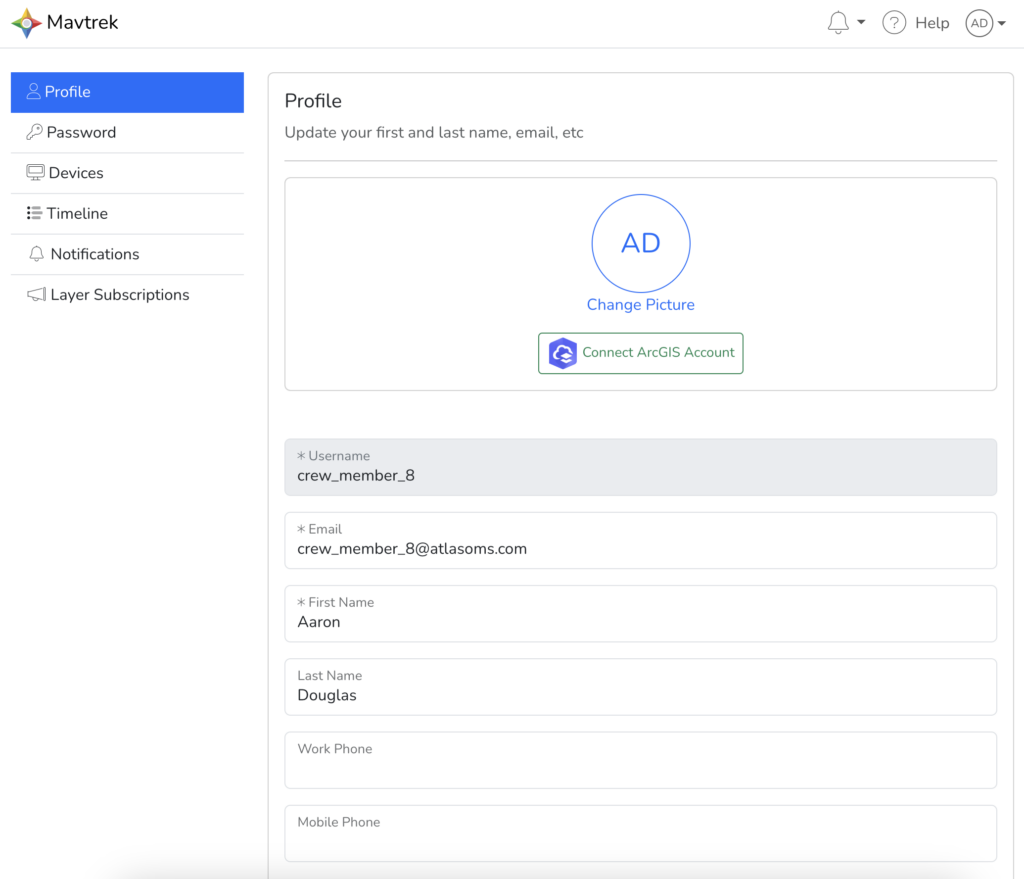
Personal Information
Section titled “Personal Information”To review your personal settings select the “ Profile” link on the profile sidebar.
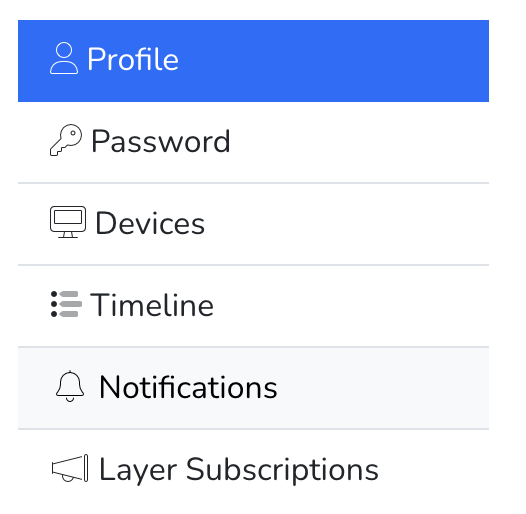
The “ Profile” link will open the screen where you adjust the following settings.
- Avatar
- ArcGIS Login
- Name
- Various Other settings
Reset Password
Section titled “Reset Password”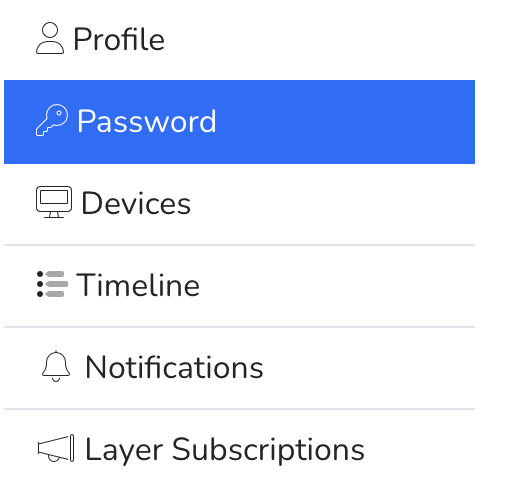
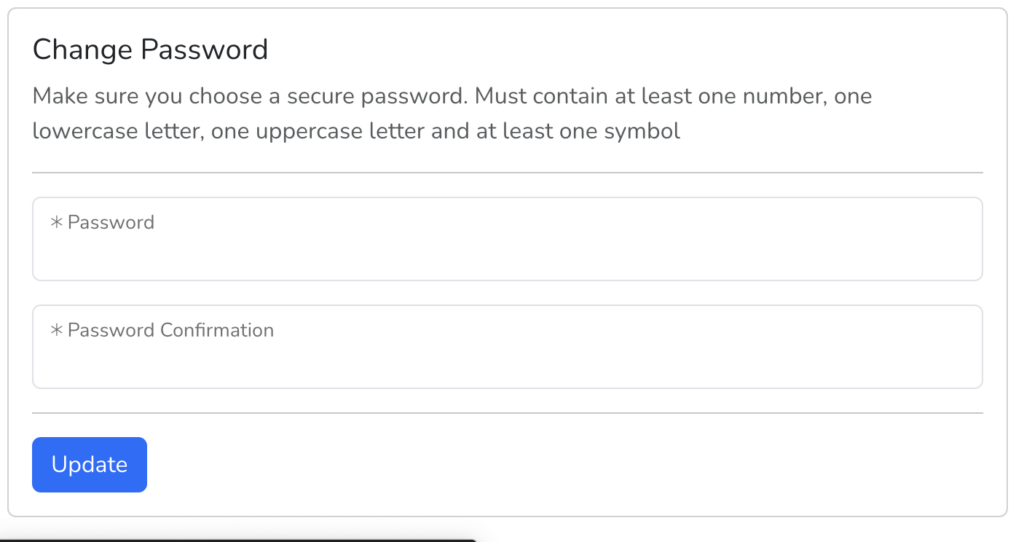
The “ Password” link will open the screen where you adjust the following settings.
- Update Password
To update your password enter a new password and password confirmation then click “Update”
Manage Security
Section titled “Manage Security”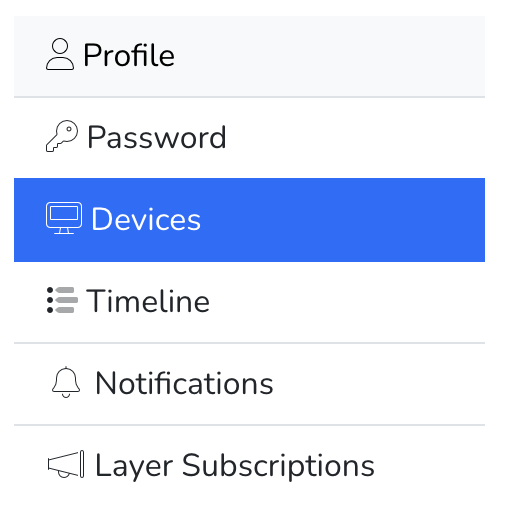
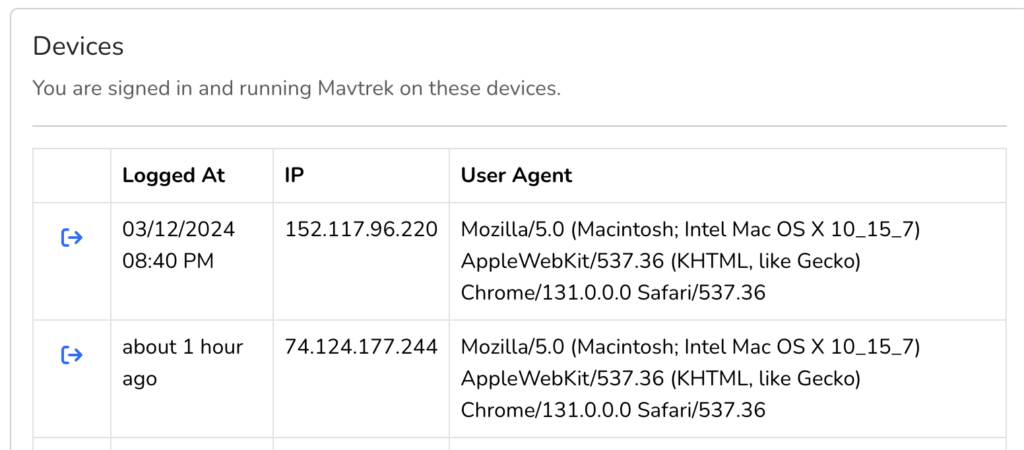
The “ Devices” link will open the screen where you adjust the following settings.
- View all devices that have access to your account
- List of devices by type that have connected to your account
- Sign out all device sessions
View Personalized Timeline
Section titled “View Personalized Timeline”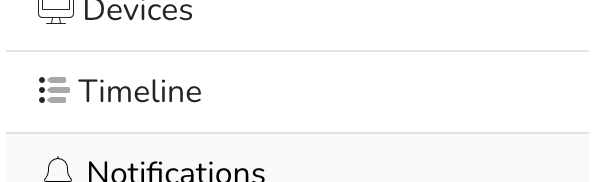
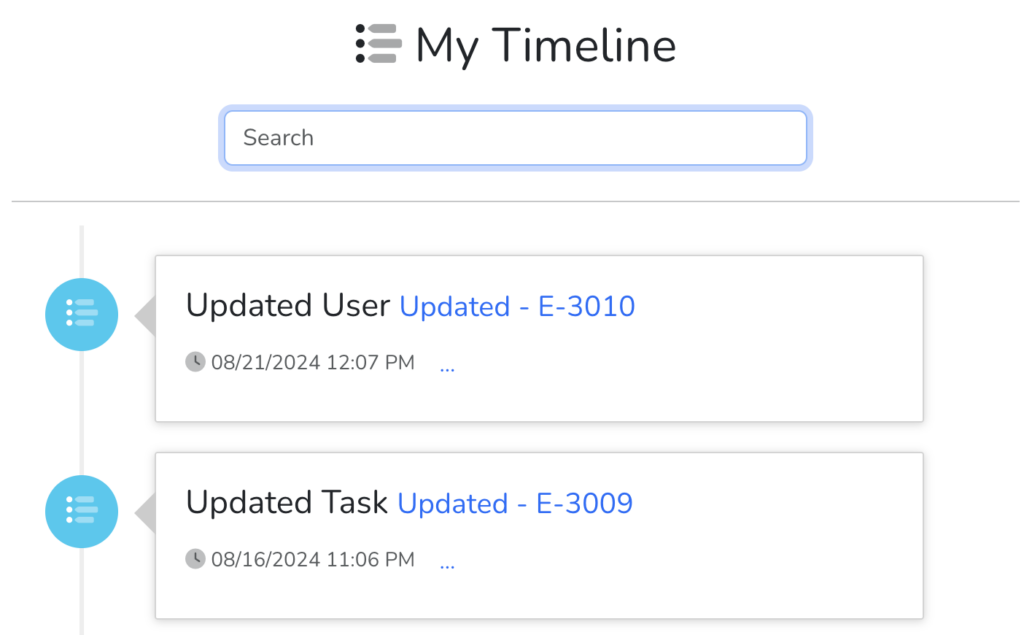
The “ Timeline” link will open the screen where you adjust the following settings.
- Quickly view your recent activity
- Access the last record you visited
Review Notifications
Section titled “Review Notifications”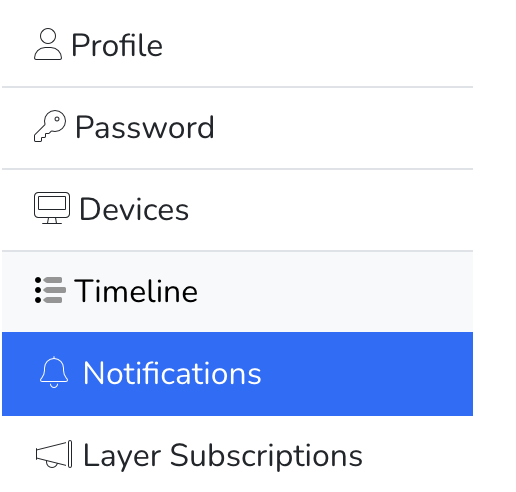
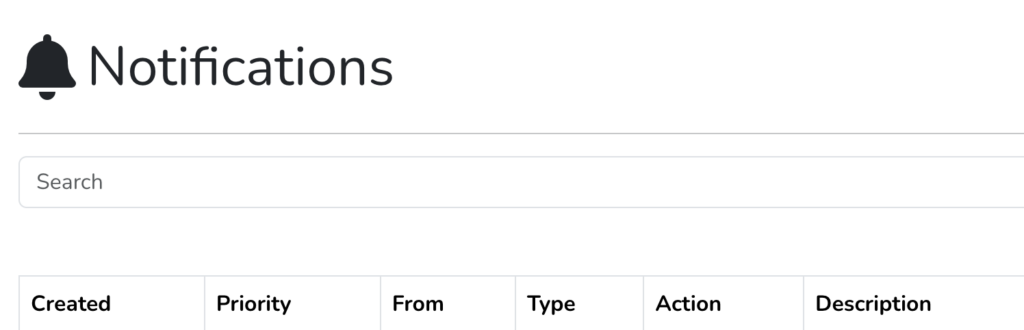
The “ Notifications” link will open the screen where you adjust the following settings.
- Review all notifications
- Search historical notification messages
Manage Layer Subscriptions
Section titled “Manage Layer Subscriptions”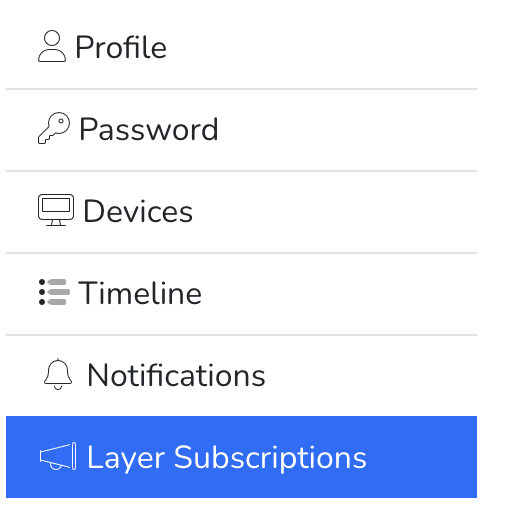
The “ Layer Subscriptions” link will open the screen where you adjust the following settings.
- View all layer subscriptions
- Update subscription frequency
- Access details about each subscription